01 · Mobile
Mobile App Builder
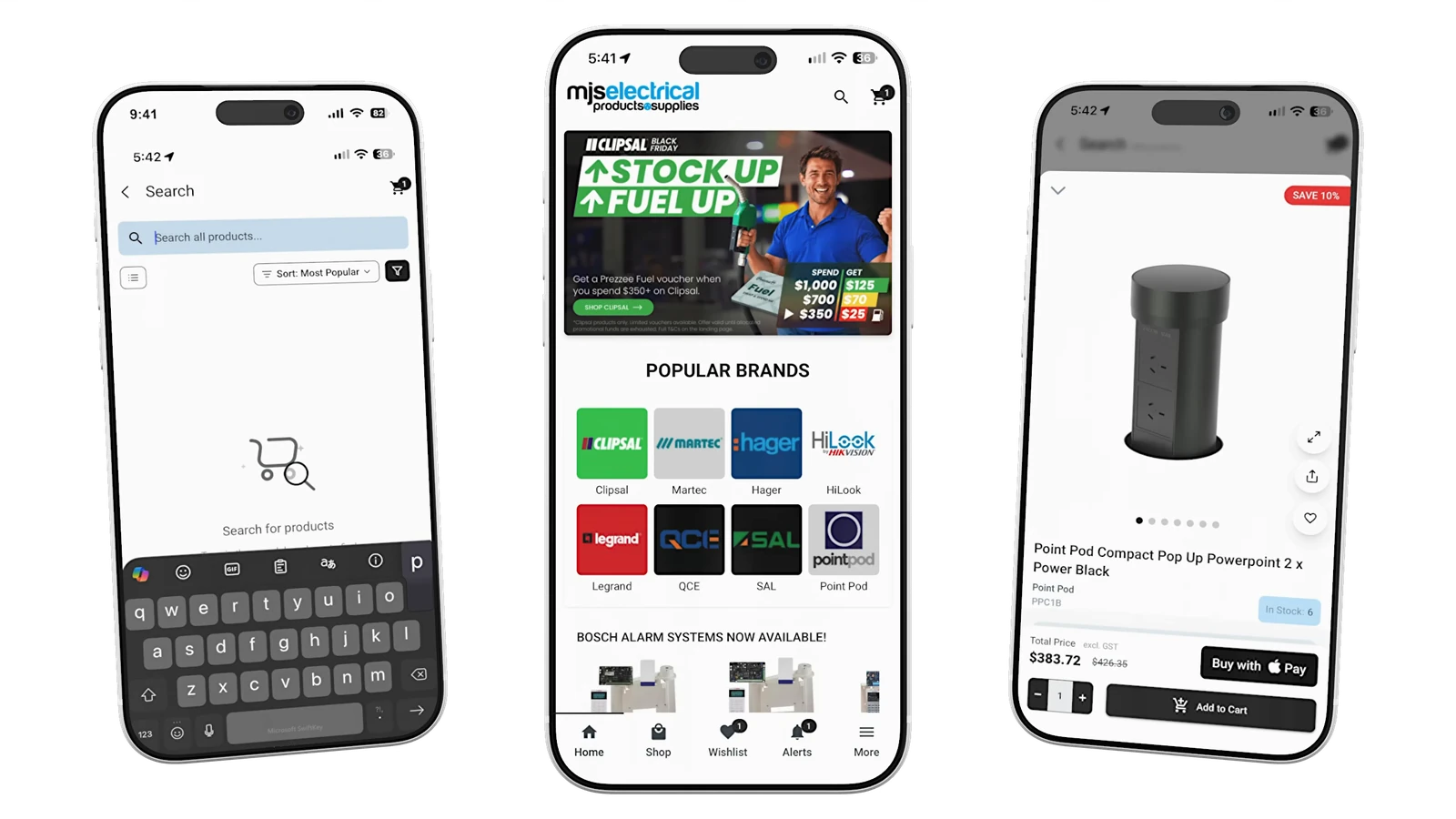
A native iOS and Android app built from your Maropost catalogue, with push notifications, Apple Pay and Google Pay, and biometric sign-in. We publish it to the App Store and Google Play for you.
Explore the Mobile App
Available in the Neto Add-on Store
TouchCart turns your Neto by Maropost store into a native iOS and Android app, and adds instant, typo-tolerant Search+ to your website. Install it from the Add-on Store: no rebuild, no coding, and our integration specialists help you go live.
Overview
TouchCart and Maropost bring together powerful commerce and marketing tools, giving you a direct line to your customers. From seamless shopping to automated campaigns, the partnership helps you sell more, engage deeper and grow faster.
TouchCart connects through the Neto Add-on Store and reads your catalogue straight from Maropost. Products, categories, brands and suppliers come across in the first sync and stay up to date automatically, so your app and your website search always match your store.
Stay connected with customers through the sales channel they carry everywhere.
What you can add
The Mobile App and Web Search+ are sold separately and share the same setup. Begin with either and add the other whenever you're ready.
01 · Mobile
A native iOS and Android app built from your Maropost catalogue, with push notifications, Apple Pay and Google Pay, and biometric sign-in. We publish it to the App Store and Google Play for you.
Explore the Mobile App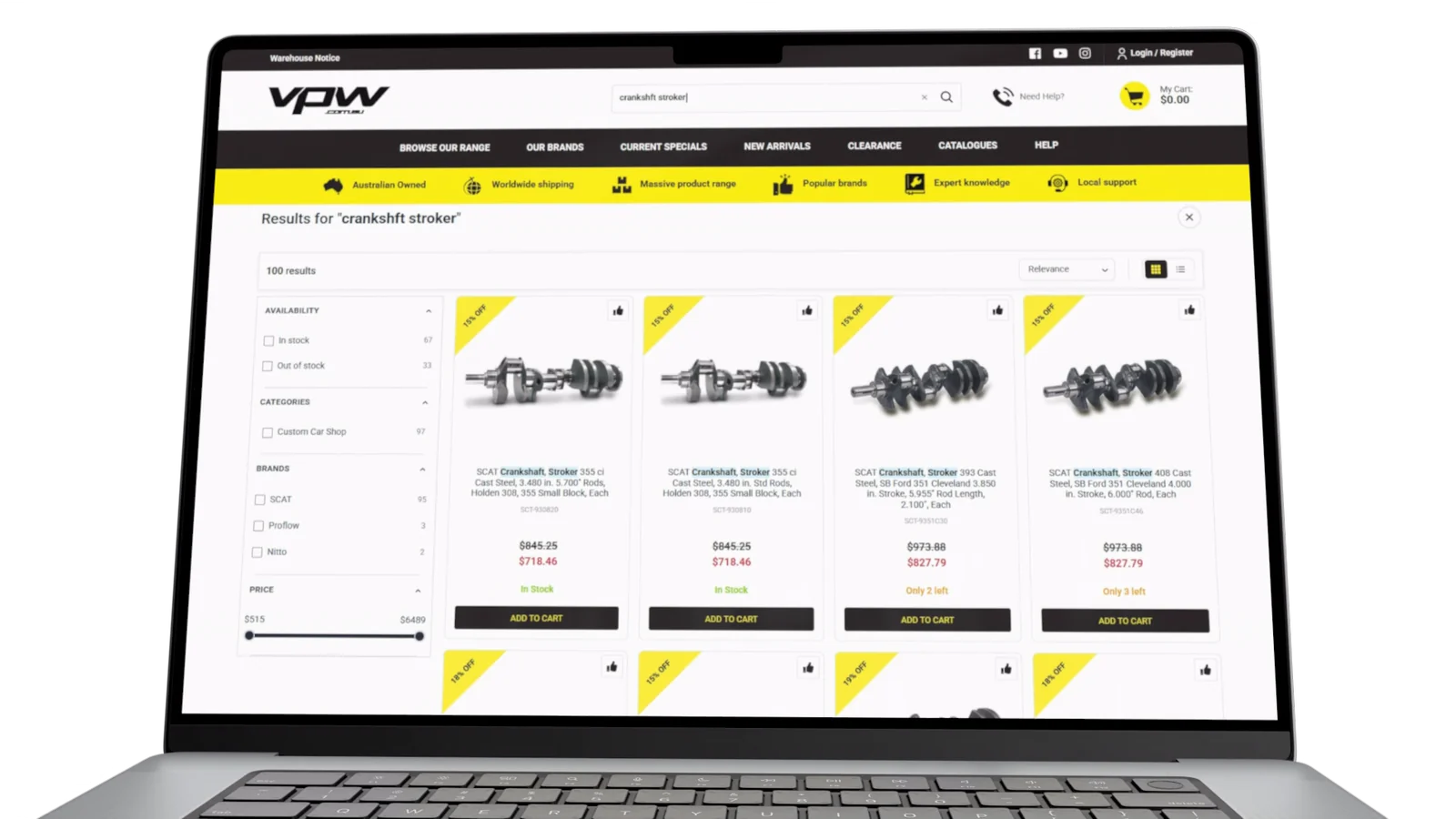
02 · Web
Instant, typo-tolerant search for your Neto storefront. It installs into the theme you already have, and your native search stays underneath as the automatic fallback.
Explore Search+Selling parts? Search+ Part Finder adds a vehicle picker and My Garage to Search+ Web.Part Finder
Built for Maropost stores
Built into every TouchCart app, with search and customer pricing powering Search+ on your website too.
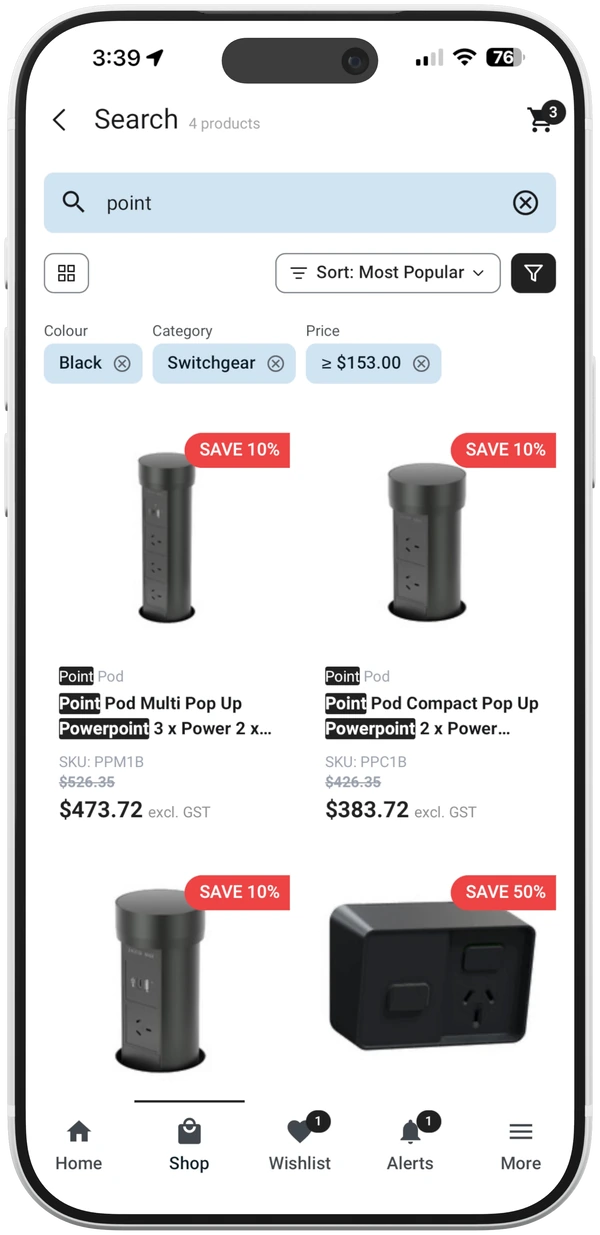
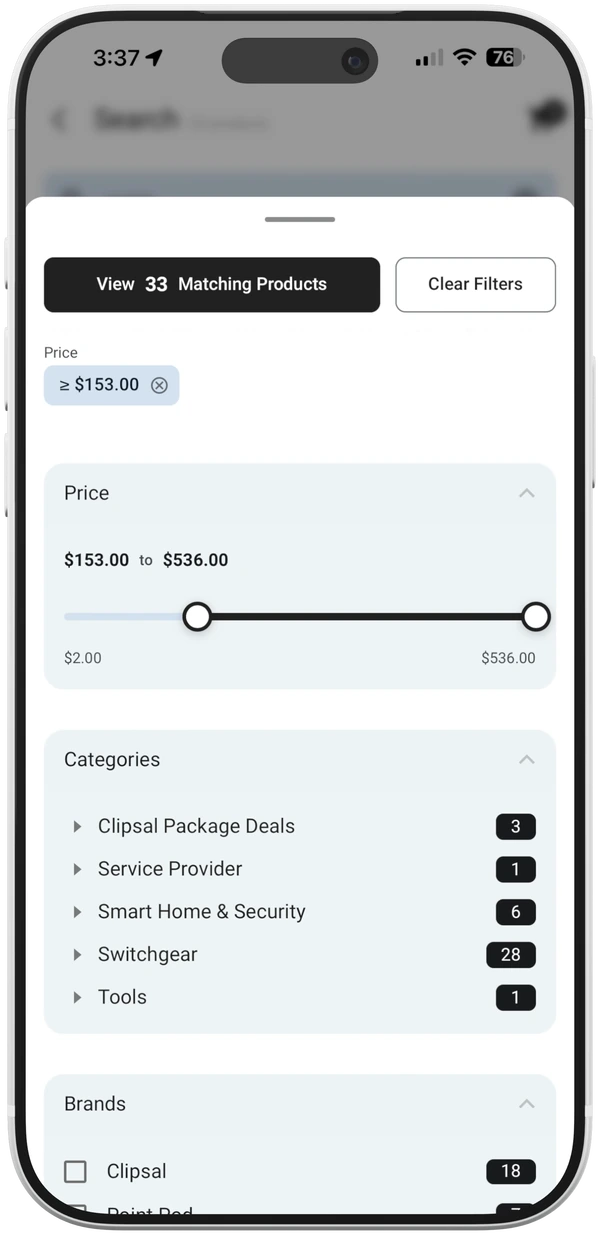
The same Search+ technology behind Web Search+ runs inside your app. Results update as customers type, typos are forgiven, and shoppers narrow things down by category, price, brand or your own custom attributes, so no product goes unnoticed, even in large catalogues.
Your store, mirrored. The app carries your Maropost catalogue as it is and respects your customer price groups and multi-level pricing, so each customer sees their own price in search, on the product page and at checkout.
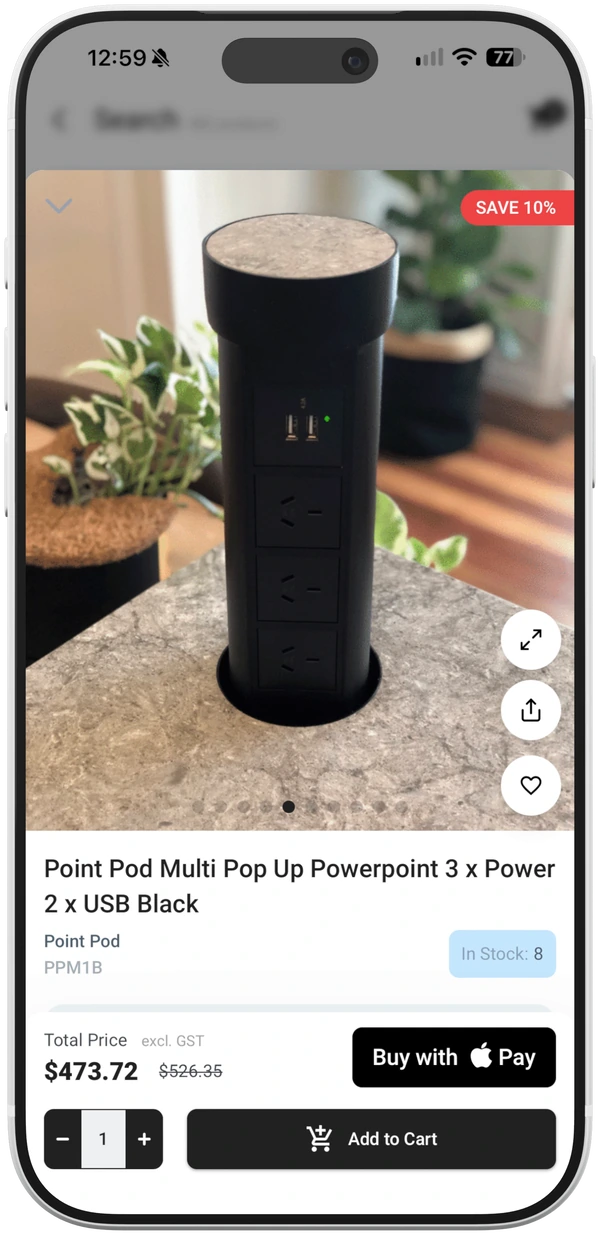
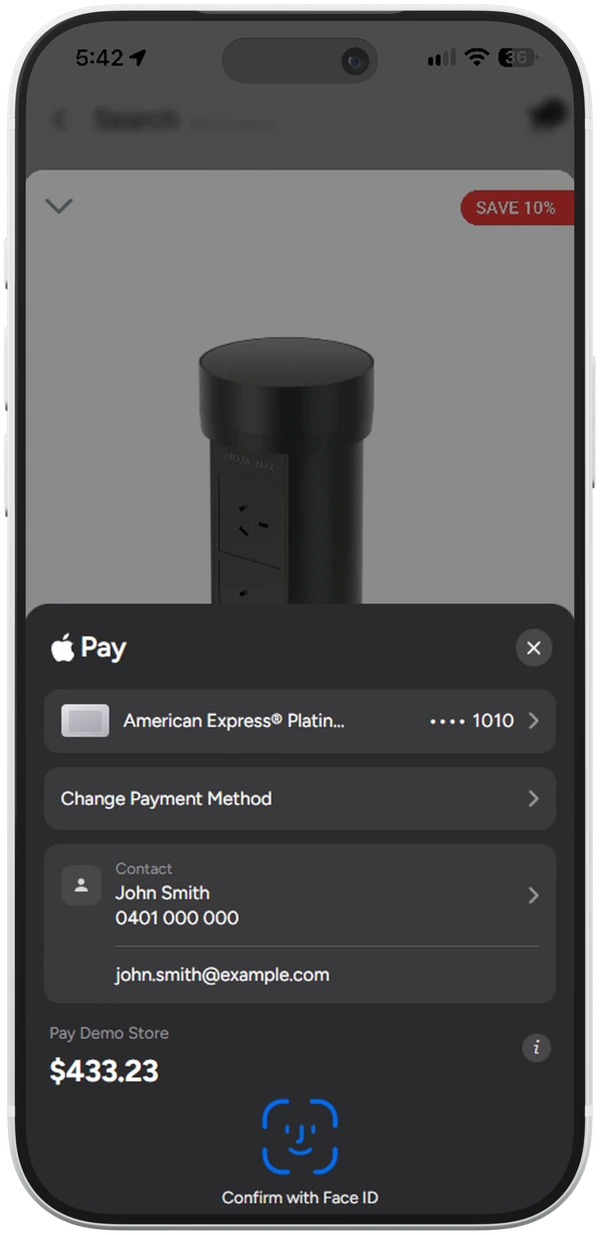
Turn browsers into buyers with a checkout built for speed. Customers save their details, pay in one tap with Apple Pay or Google Pay, and skip the steps that lead to abandoned carts.
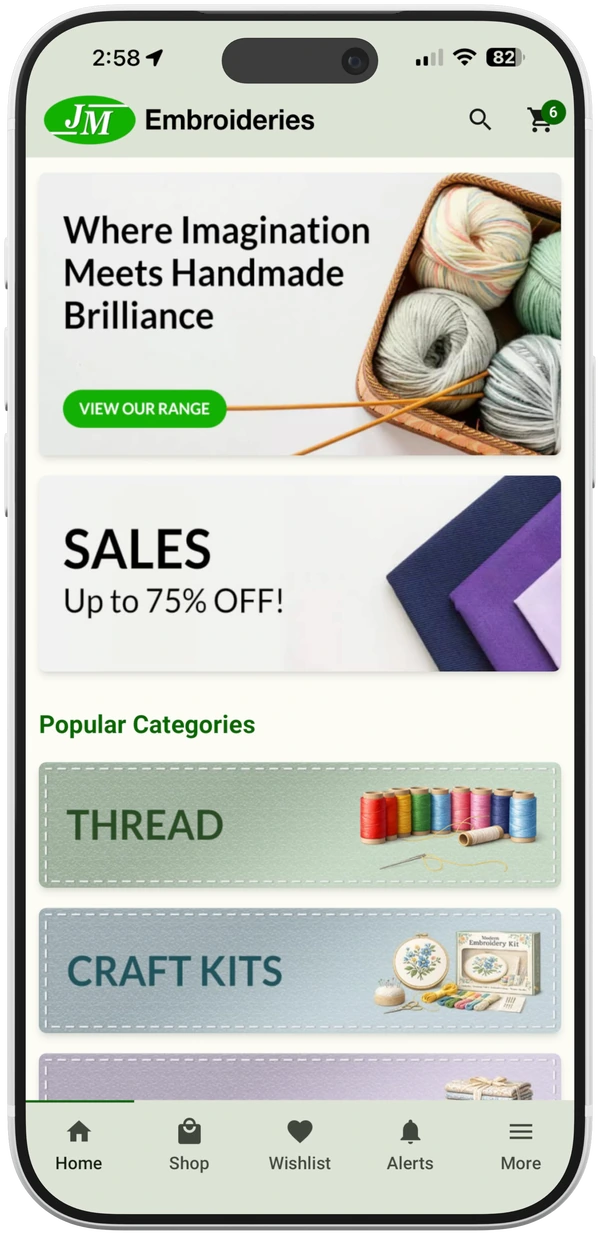
Your brand deserves a consistent presence everywhere, and that includes your app. Set your colours, fonts, logo and layout in the App Builder, with light and dark mode built in, or let our designers do it for you.
Designer-made themes are included on Business and Enterprise plans.
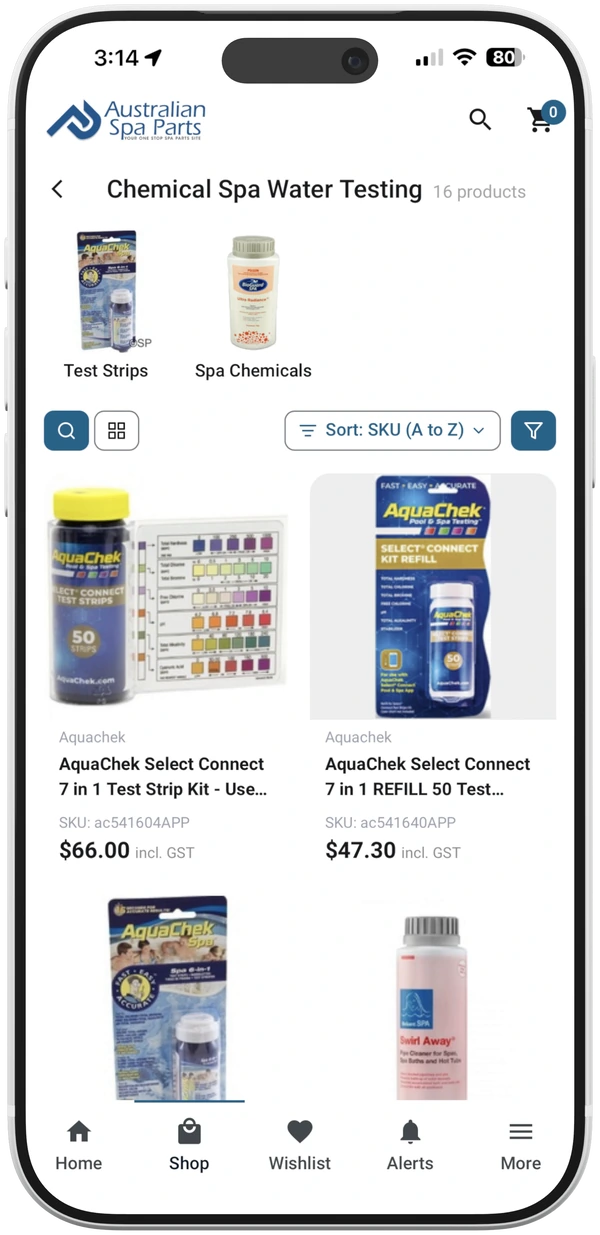
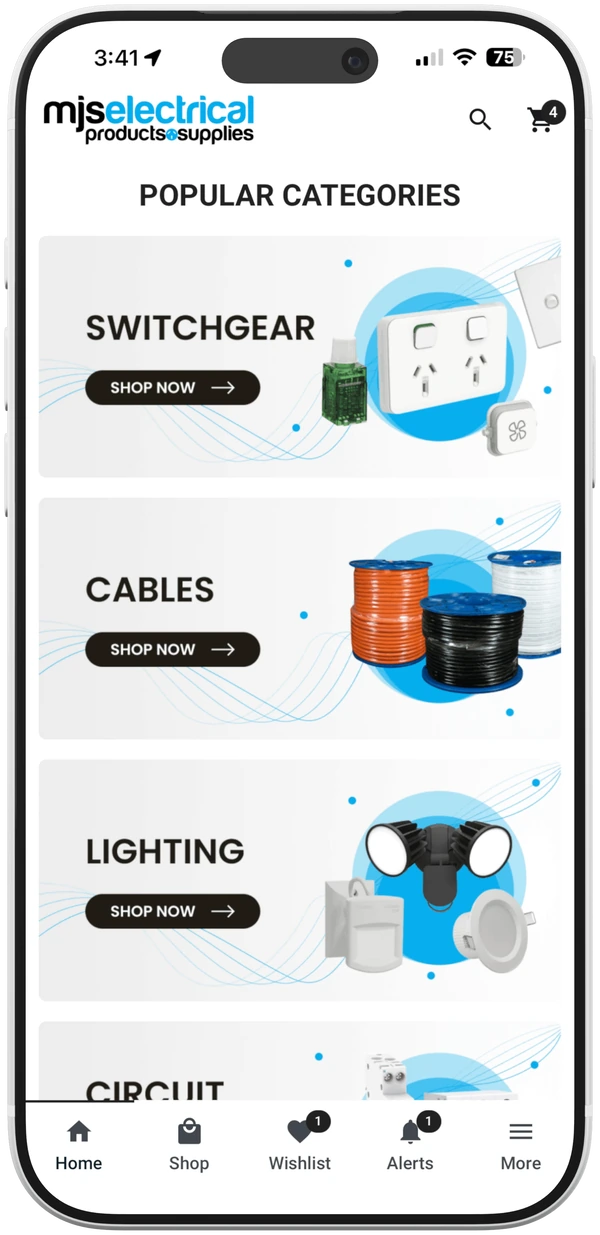
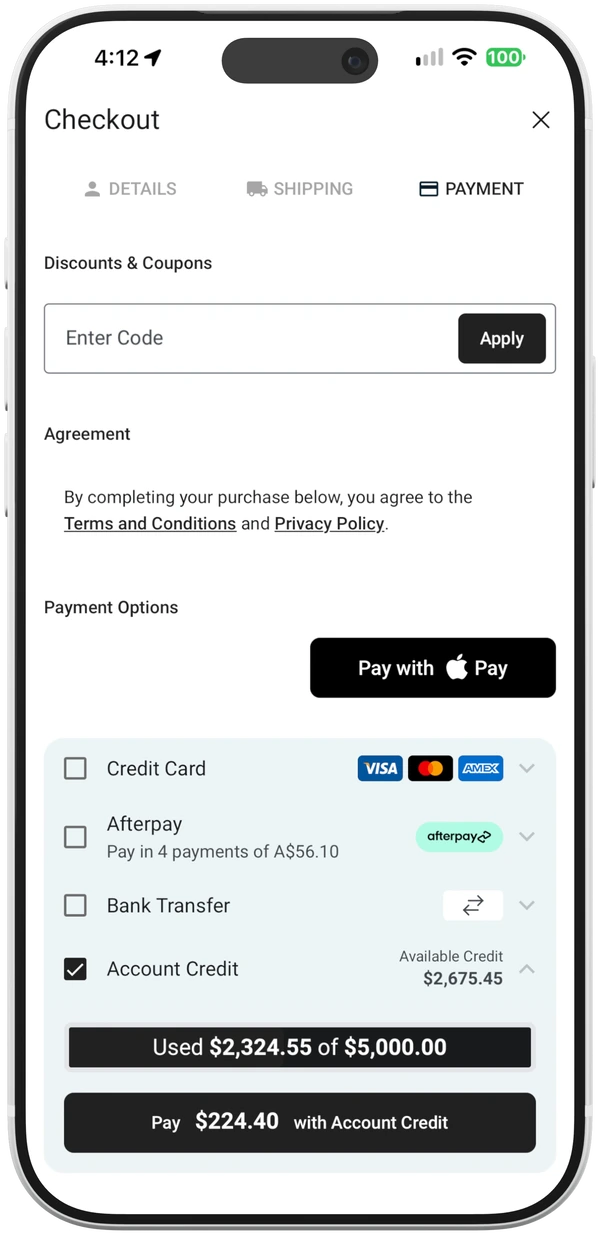
Serve trade and retail customers from the same app. Wholesale buyers pay on account credit or business terms, retail shoppers use cards or buy now, pay later, and every customer group sees its own prices, in the app and in Search+ on your website.
Trade credit is included on Business and Enterprise plans.
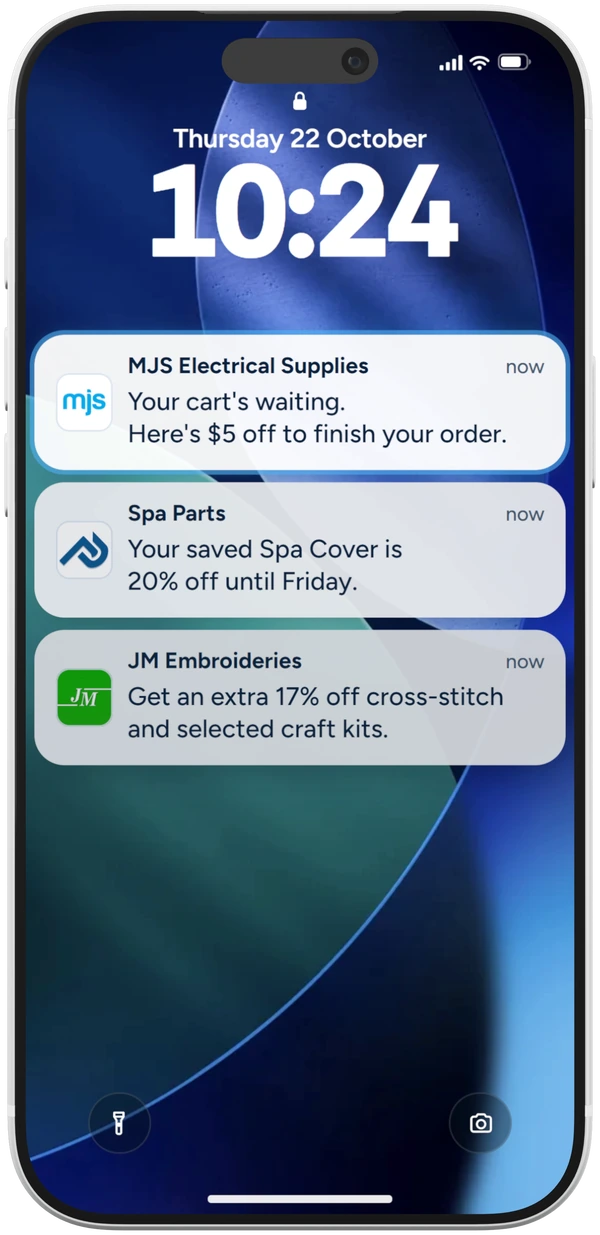
Stay in your customer's pocket with personalised notifications. A sale on a category they love, a price drop on something they saved, or a nudge about a cart left behind reaches them at the right moment and brings them back to buy.
Setup
Install the add-on, create your account, then manage everything from your Launchpad. No coding, and our integration specialists are on hand at every step.
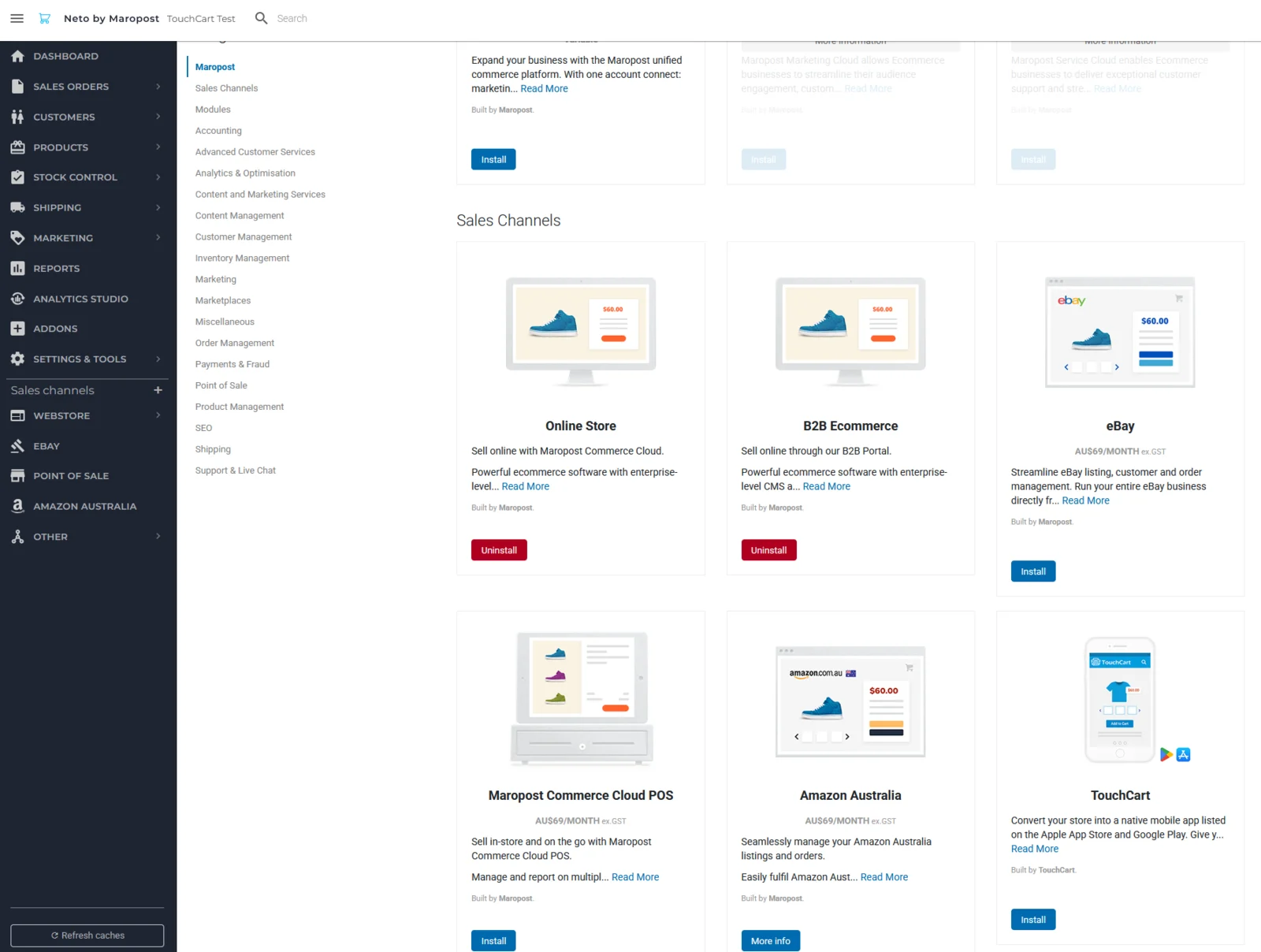
Open Add-ons in your Maropost control panel, go to the Add-on Store and find TouchCart under Sales Channels. Click Install and you're taken straight to TouchCart to finish connecting.
Your store domain comes across from the install. Add your business name, your name and phone, confirm your email with a 6-digit code and choose a password, then press Create account and connect. Your store connects as soon as the account is created.
Already use TouchCart? Choose I have an account and sign in instead.
Your Launchpad shows the connected store. Press Manage Store to open your dashboard, where you sync your products and start designing your app or your search page.
Come back any time from Log in. Our team will also be in touch to guide you through the next steps.
Then sync
Products, categories, brands and suppliers come across from Neto, then sync automatically every hour.
Design
Theme your app in the App Builder, or build your search results page in the Search+ editor.
Go live
We publish your app to the App Store and Google Play, and a specialist implements Search+ in your theme.
Questions
No. Search+ is implemented in the theme you already have, with your native store search kept underneath as the automatic fallback. The app is built from your catalogue in the App Builder, so your website isn't touched.
Yes. The Mobile App and Web Search+ are sold separately and share the same setup. Start with one and add the other later for $199 a month on the same catalogue.
Products, categories, brands and suppliers. After the first sync, TouchCart syncs automatically every hour, and you can start a manual sync at any time from your dashboard.
For the Mobile App, yes: an Apple Developer account (US$99 a year) and a Google Play developer account (US$25, once). We handle the submission, review and release for you.
Install the add-on as usual, then choose I have an account on the connect screen and sign in. The store connects to the account you already have.
Plans start at $299 a month, with a one-off setup fee of $999 for the Mobile App or $499 for Search+ Web. Prices are in AUD and exclude GST.
See pricingBuild your order and our onboarding team reaches out to guide you through all the steps to go live.